


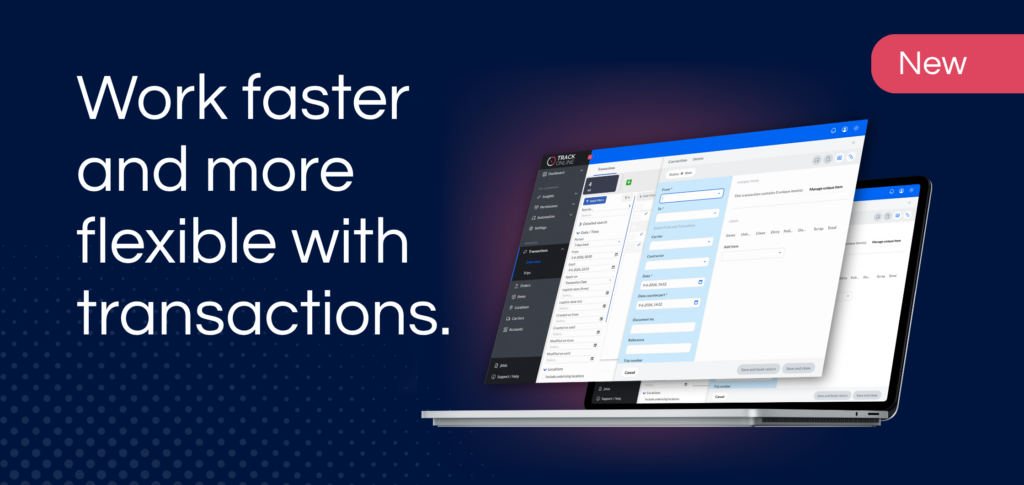
What is the new transaction screen?
The transaction screen in TrackOnline has been given a fresh new look and feel. The familiar content remains the same, but the way you work with it is faster, more stable, and more flexible.
With the updated transaction screen, you can view and process transactions more easily, without having to get used to a completely new way of working.
What can you do with it?
The updated transaction screen makes working in TrackOnline more user-friendly and easier to navigate. You’ll benefit from useful improvements such as:
- Faster and more stable performance: The display has been improved for better performance during everyday use.
- Fresh look and feel: The interface has been redesigned, while the familiar information remains the same.
- Freely resizable: Easily customize the transaction screen to suit your workflow.
- Working in split-screen mode: Open the transaction screen while keeping the other screen open. This makes it easier to compare information and helps you maintain an overview.
Work more efficiently with transactions
The transaction screen is a frequently used feature of TrackOnline. That’s why we focused primarily on speed, flexibility, and ease of use.
By being able to open the screen separately and use it alongside other screens, you can work more easily without constantly clicking back and forth. This makes processing and verifying transactions much more efficient.

How do I activate the updated transaction screen?
- Go to your profile in TrackOnline
- Open ‘Preview features’
- Enable the new transaction screen
The updated transaction screen will then be available in TrackOnline.
Go to TrackOnline
Please note: If you use IPC (Item Packaging Combination), the updated transaction screen is not yet available.