

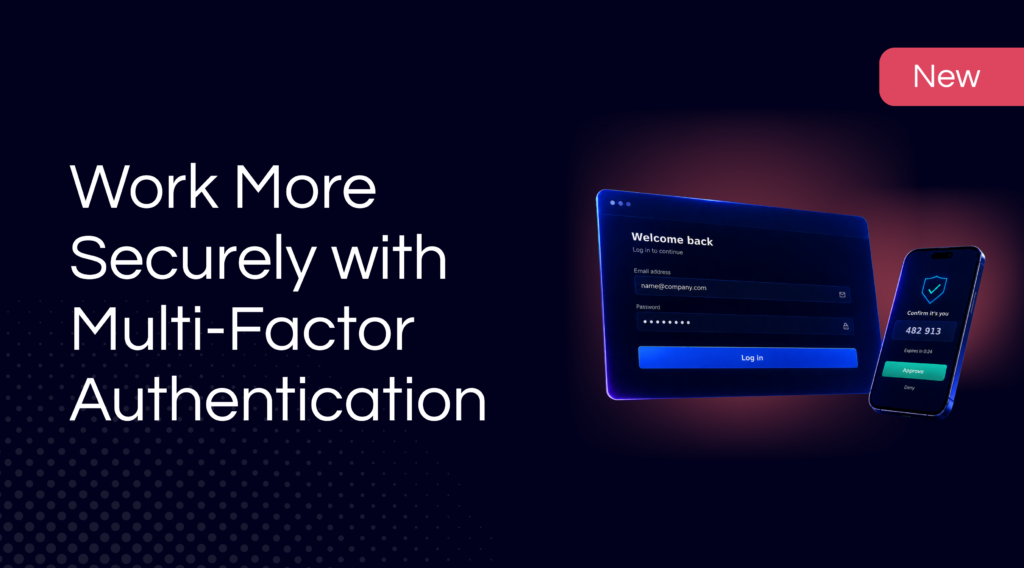
Is a password alone enough to secure your account? With Multi-Factor Authentication in TrackOnline, you can require an extra security step for all your users. That way, a password alone is no longer enough to log in.
What is Multi-Factor Authentication?
Multi-Factor Authentication (MFA) is an extra layer of security on top of the existing password. Users confirm their identity with a second step via an authenticator app, such as Microsoft Authenticator. This reduces the risk of unauthorized access, even if a password ends up in someone else’s hands.
TrackOnline is ISO 27001 certified and continuously develops the data security of accounts and business data. MFA is the latest step in that effort.
What can you do with it?
With MFA in TrackOnline, you benefit from:
- Mandatory security for the entire account: set MFA to “Required” and the setting automatically applies to all users.
- Extra verification via an authenticator app: users use an existing app on their phone or download a suitable app, such as Microsoft Authenticator.
- Automatic activation at first login: users are automatically guided through the activation process and scan a personal QR code to complete verification.
How do you activate Multi-Factor Authentication?

Go to Settings in TrackOnline.

Open Administration.

Set MFA to “Required”
From that moment on, every user goes through the activation process automatically the next time they log in: they scan a personal QR code with their authenticator app and complete verification. After that, the extra step is required every time they log in.
Note: because this setting applies to the entire account, we recommend informing users in advance before you enable MFA. That way everyone knows what’s changing and the transition goes smoothly.
Why is Multi-Factor Authentication important?
Passwords get shared, reused, or leaked at some point. With Multi-Factor Authentication, you prevent a password alone from being enough to access the account, transactions, and customer data. For organizations that work daily with sensitive packaging and transaction data, this is a valuable extra layer of security.
Get started with Multi-Factor Authentication
Want to strengthen the security of your TrackOnline account right away?
Log in and set up MFA via Settings → Administration → MFA.
Have questions or need help activating it?
Feel free to contact our team.
